
How the burial ground software works

Five steps, from the paper plan to the fees export.

Each step runs in a web browser on any device, for the clerk, staff, volunteers and councillors.

Draw the plan

Staff draw each section and number each grave as it is on paper.

Article 9 requires "a plan showing and allocating distinctive numbers to" each grave. Read article 9 on legislation.gov.uk
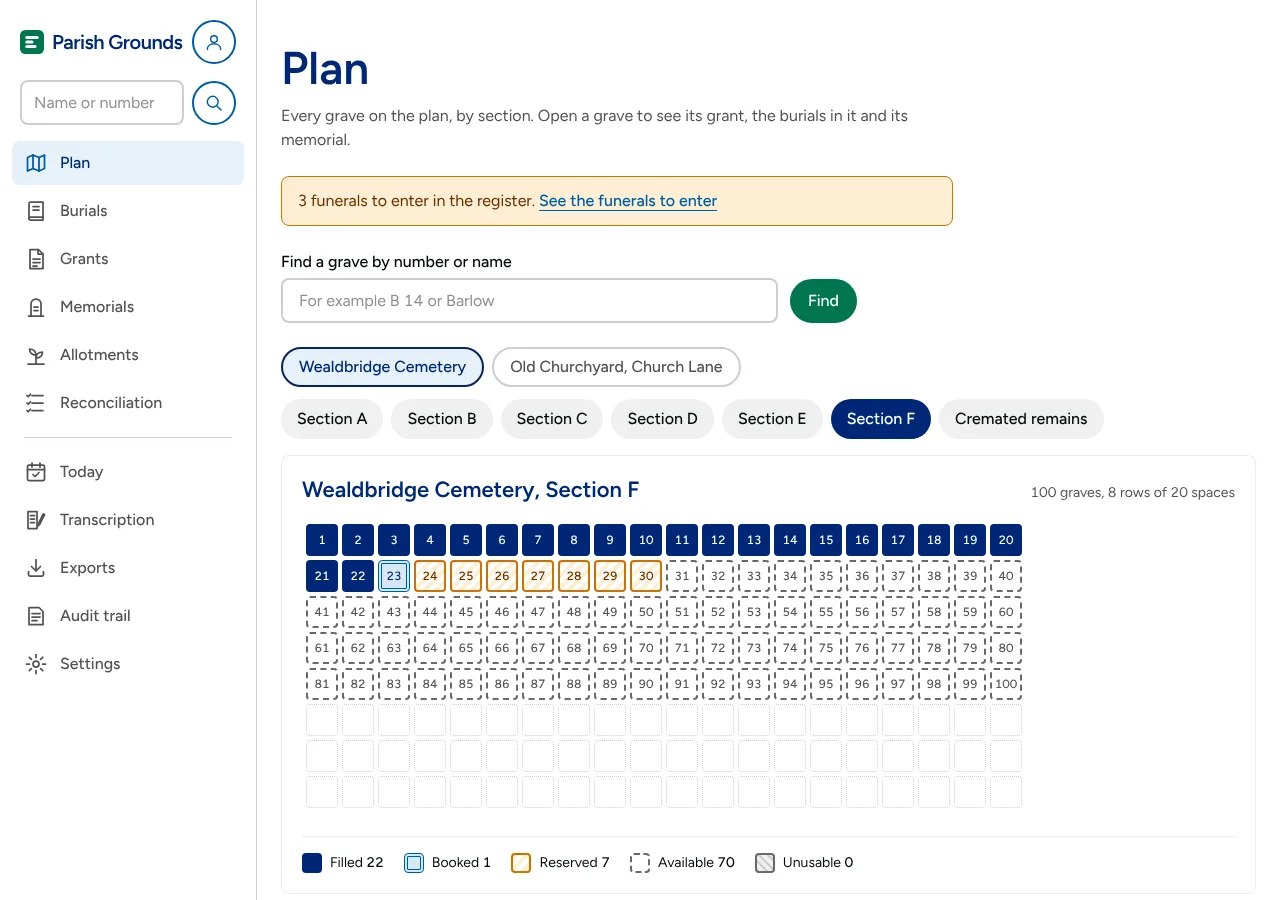
The plan screen in the demo: Section F of Wealdbridge Cemetery, every grave numbered and marked filled, reserved or available, with a key giving the count of each.
The plan, one section at a time. From the demo.

Move the records across

Type each register entry in beside its scan, or import a spreadsheet.
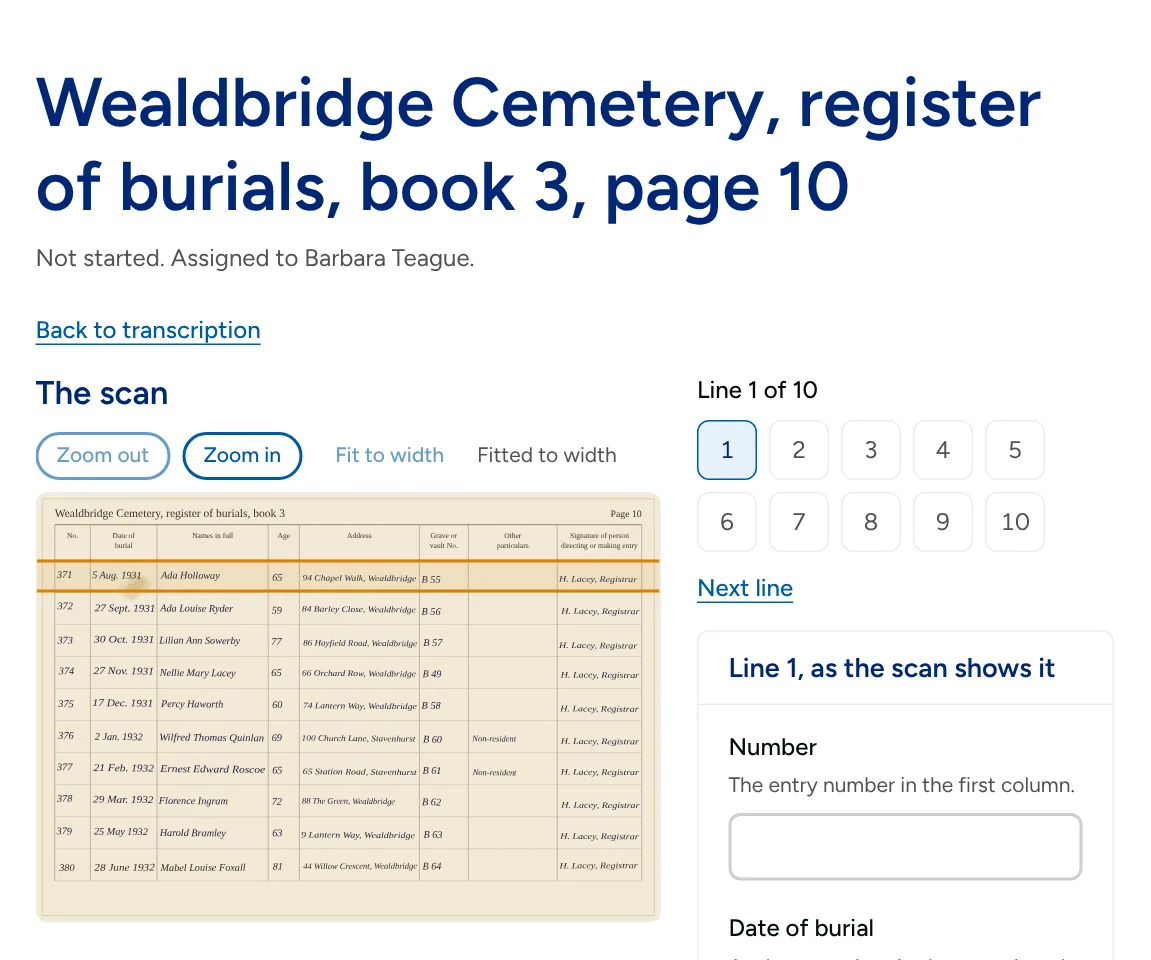
A scanned page of a 1931 register of burials in the demo, beside the form for typing in one line of it at a time.
A register page typed in beside its scan. From the demo.

Reconcile them

A report lists each record that does not match the plan.
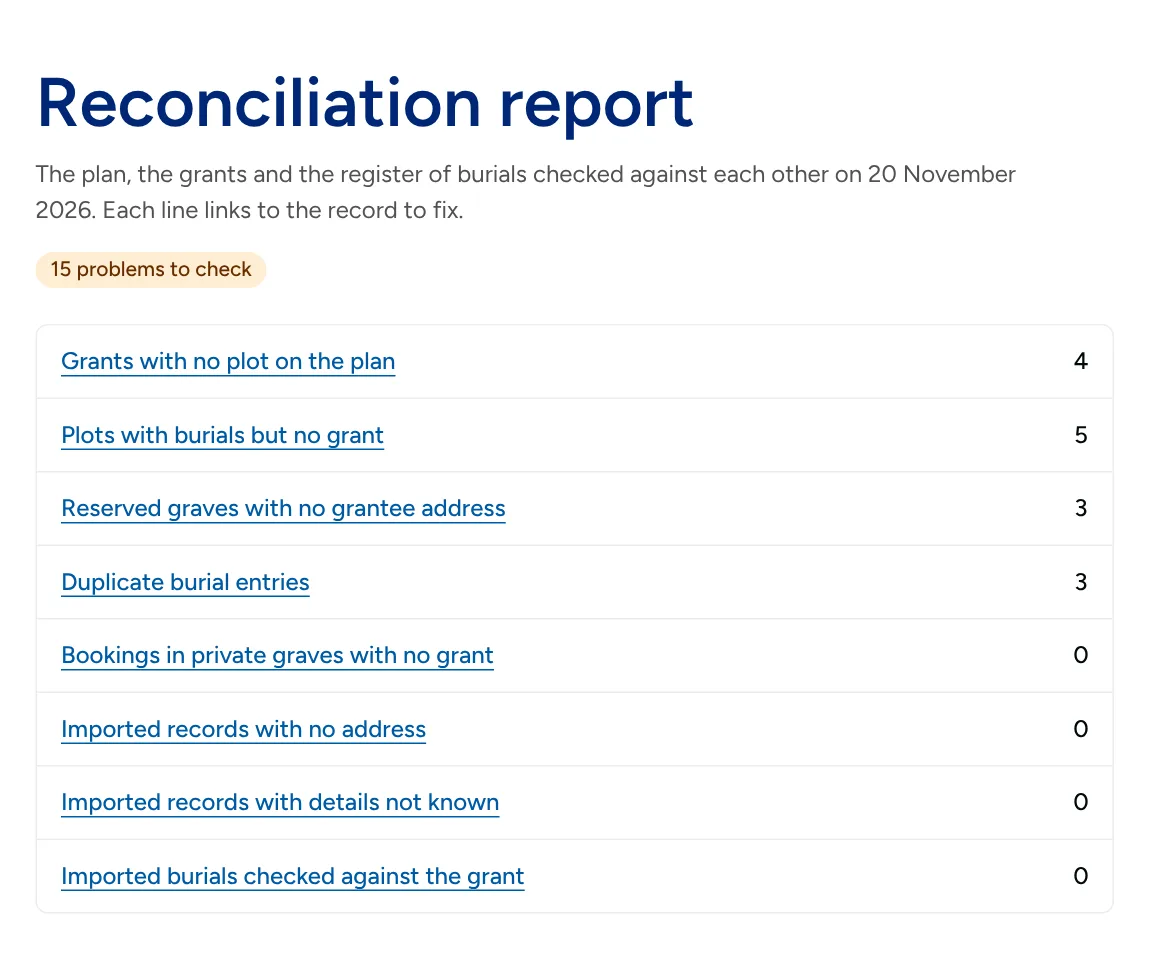
The reconciliation report in the demo: counts of grants with no plot on the plan, plots with burials but no grant, reserved graves with no grantee address and duplicate burial entries, with the first list below.
The reconciliation report. From the demo.

Record each interment and grant as it happens

Book each interment against its grave, with a warning if it is reserved.
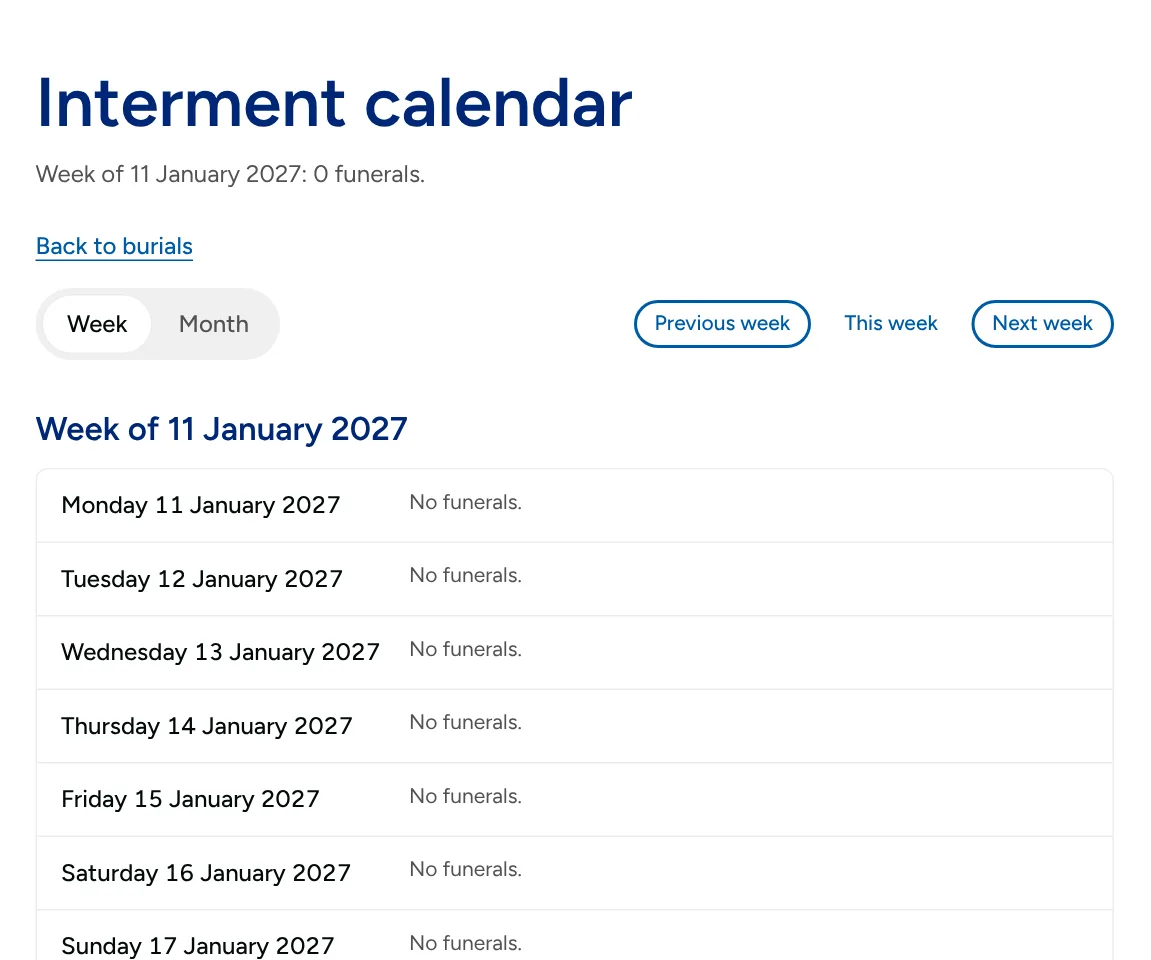
The interment calendar in the demo, a week by day, with each funeral's time, grave, the deceased and the funeral director.
The week's interments. From the demo.

Export the fees

Each charge comes from the table of fees, and exports as CSV.

Article 15(3) requires "a table showing the matters in respect of which fees or other charges are payable". Read article 15 on legislation.gov.uk
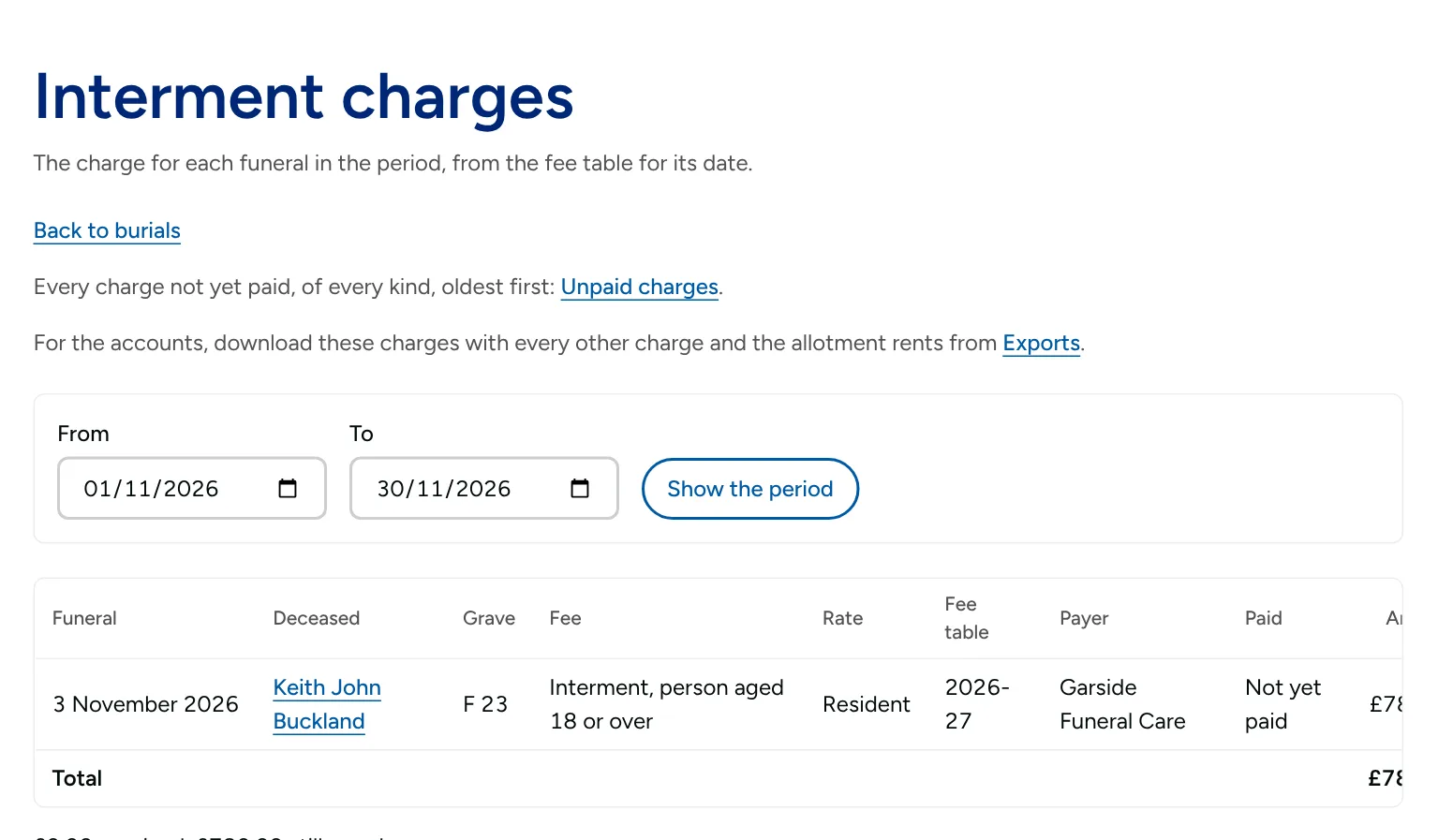
Interment charges in the demo for one month: each funeral's fee from the table of fees for its date, at the resident or non-resident rate, with the payer and the total.
Charges worked out from the table of fees. From the demo.